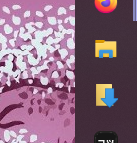
I'm writing about this because I put a bit too much effort into it, and I'm hoping it can save someone time.
So a while back I wanted my File Explorer to open somewhere else by default. But Windows only gives you the options of either This PC or Quick access.
I found this couldn't be done in Registry Editor, but you can create a shortcut for the File Explorer EXE and pin that to your taskbar: %SYSTEMROOT%\explorer.exe /e,C:\path\to\folder.
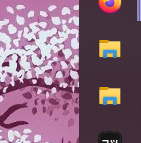
I wanted another for my Downloads but pinning regular explorer looks visually identical:
So I made another shortcut to the Downloads folder and changed the icon to the default Downloads one.
The way to find the icon can be seen here: https://i.sstatic.net/hin25.png

However, I didn't like the way this looked and through a lot of trial and error, I've made a custom Downloads icon. If anyone wants to also use it, I've uploaded it to Google Drive for a direct download :)
Now my taskbar looks like this!